Transfer PDF File from iPhone/iPad to PC
How to transfer PDF files from iPhone/iPad to PC? I have some PDF files on my iPhone, and I want to save them on my PC.
✍: FYIcenter.com

If you have PDF files on your iPhone, there is no easy way to transfer them to your PC. The best option is to email them to yourself as described below:
1. If the PDF file is in Adobe PDF Reader on your iPhone, open it and use the "Share" > "Copy iBooks" option to send it to iBooks first.
2. Open the PDF file with iBooks, use the "Share" > "Email" option to send it to your email box.
3. Go to your PC, open the mail box, then save the PDF file from email.
iPhone is designed to protect copyright of all media files, including movie, PDF, music, and picture files. It does not allow you to transfer them to your PC directly.
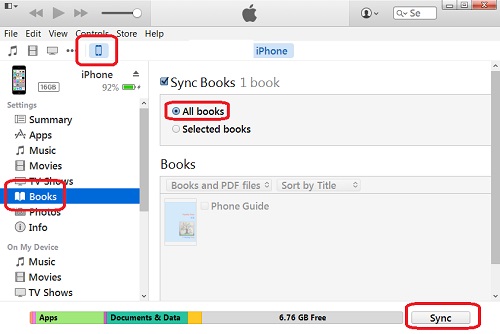
However, iTunes can be used to backup/sync all personal data on your iPhone to your PC. This backup includes your PDF files too. But you won't be able to retrieve any specific PDF file from the backup.
2016-03-02, ∼2816🔥, 0💬
Related Topics: