M3 Smart Bracelet
How to change the home screen theme on my M3 Smart Bracelet?
✍: FYIcenter.com
 If you don't like the default look and feel
of the home screen on your M3 Smart Bracelet,
you can to follow these steps to change it.
If you don't like the default look and feel
of the home screen on your M3 Smart Bracelet,
you can to follow these steps to change it.
1. Connect M3 Smart Bracelet with cell phone using FitPro app as shown in the previous tutorial.
2. Tap on "Set > Dial setting" on FitPro.
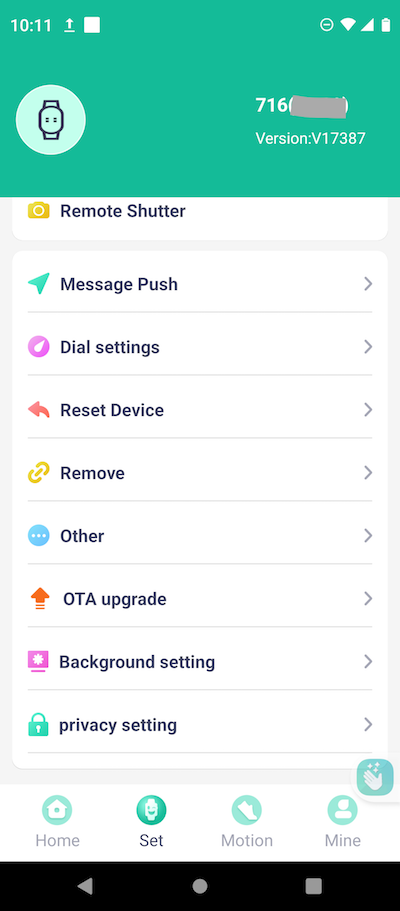
3. Browser the list of bracelet home screen themes provided by FitPro.
4. Select the theme you like and transmitted to the bracelet.
5. Tap on the function button to turn on the bracelet screen.
6. Tap on the function button repeatedly until you see the "More" function screen.
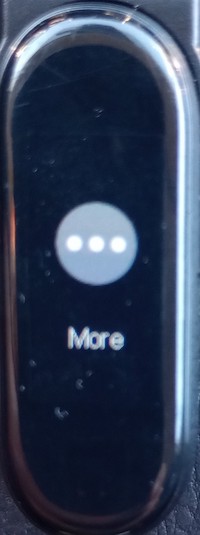
6. Touch and hold the function button to see more function options.
7. Tap on the function button repeatedly until you see the "Theme" function screen.
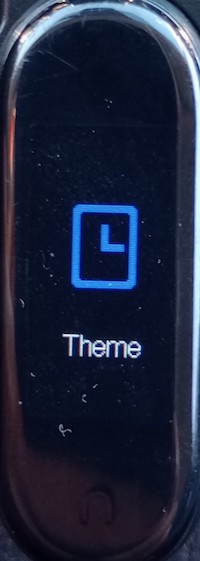
8. Touch and hold the function button to see themes stored in the bracelet.
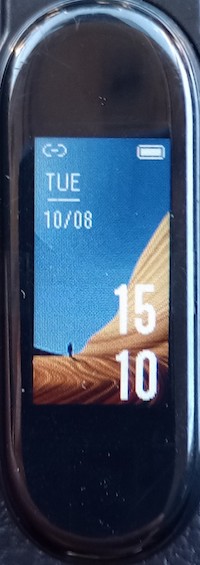
9. Tap on the function button repeatedly until you see the theme you like. It will be applied to the home screen.
⇒ FitPro - Frequently Asked Questions
2024-10-14, ∼3562🔥, 0💬
Related Topics:


