Details of Steps Walked on M3 Smart Bracelet
How to view details of steps walked today on my M3 Smart Bracelet?
✍: FYIcenter.com
 If you wear your M3 Smart Bracelet during the day,
it will track your steps walked automactically.
You can view step counts and related information using these these steps.
If you wear your M3 Smart Bracelet during the day,
it will track your steps walked automactically.
You can view step counts and related information using these these steps.
1. Tap on the function button to turn on the screen.
2. Tap on the function button repeatedly until you see the "Steps" function screen.
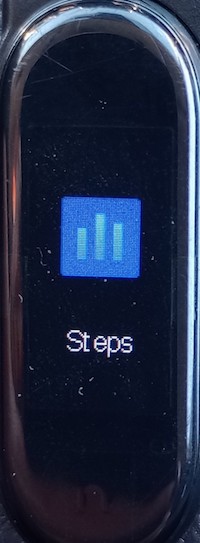
4. Touch and hold the function button to view steps counts and related information. For example:
Steps: 10389 (steps walked)
KM: 6.7 (Distance walked)
Kcal: 224 (Calories burned)

Note that the steps-walked count is not really accurate. Since the bracelet wears on your arm, it will count 1 step each time you move your arm, even when you sit on a chair.
2024-12-18, ∼1862🔥, 0💬
Related Topics:
