Sleep Tracking on M3 Smart Bracelet
How to view sleeping hours on my M3 Smart Bracelet?
✍: FYIcenter.com
 If you wear your M3 Smart Bracelet during the night,
it will track your sleeping hours automactically.
You can see how many hours you slept last night using these these steps.
If you wear your M3 Smart Bracelet during the night,
it will track your sleeping hours automactically.
You can see how many hours you slept last night using these these steps.
1. Tap on the function button to turn on the screen.
2. Tap on the function button repeatedly until you see the "Sleep" function screen.
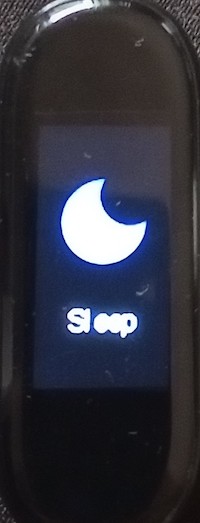
3. Touch and hold the function button to view recorded sleeping hours.
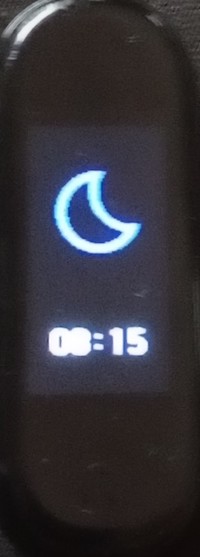
Note that M3 Smart Bracelet actually tracks 3 sleeping statuses: deep sleep, shallow sleep, and wake up. The bracelet only display the total sleeping hours. Full data is transmitted to FitPro app on your cell phone to view.
⇒ View Step Count on M3 Smart Bracelet
2024-11-14, ∼1620🔥, 0💬
Related Topics:
