Heart Rates History on FitPro
Q
How to view heart rates history on FitPro?
✍: FYIcenter.com
A
 If you measure your heart rate regularly,
your measurement result will be automatically download to your cell phone.
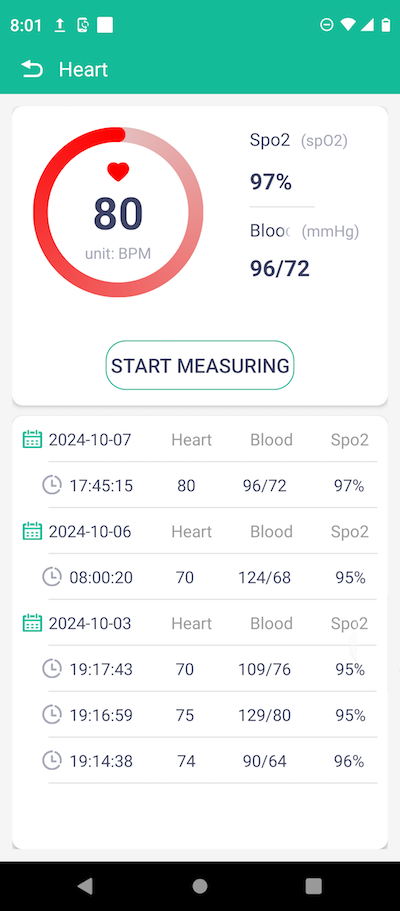
You can follow these steps to view heart rates history.
If you measure your heart rate regularly,
your measurement result will be automatically download to your cell phone.
You can follow these steps to view heart rates history.
1. Open FitPro app on your cell phone. You will see the FitPro home screen.

3. Tap on the heart rate widget on the home screen. You will see the heart rates history.
Note that the accuracy of the heart rate data depends on the quality of FitPro device hardware.
⇒ Sleeping Hours History on FitPro
2025-06-18, ∼1857🔥, 0💬
Related Topics:


