Connect to FitPro Devices
How to connect my FitPro device (smart watch or bracelet) to my cell phone?
✍: FYIcenter.com
 You can follow these steps to connect to a FitPro device (smart watch or bracelet)
to your cell phone.
You can follow these steps to connect to a FitPro device (smart watch or bracelet)
to your cell phone.
1. Turn on your FitPro device and bring it close to your cell phone.
2. Turn on Bluetooth in Settings on your cell phone.
3. Open FitPro app. You will see the FitPro home screen.

3. Tap on "Set" near the bottom. You will see the device connection screen with the "Device disconnected" message, if the device is not connected yet.
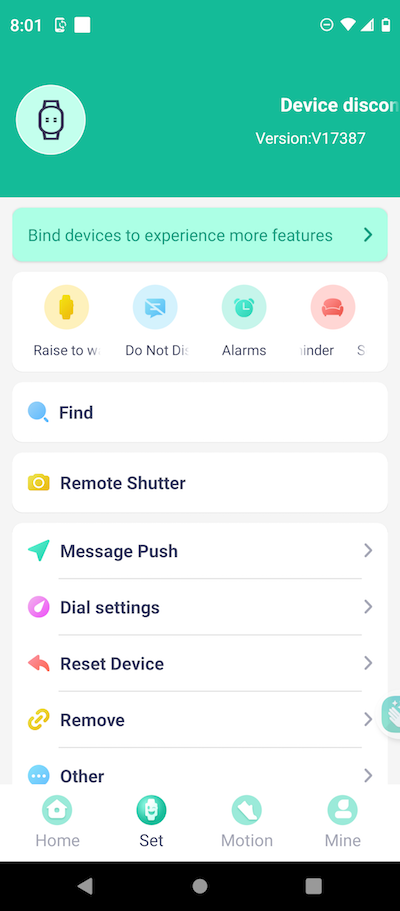
4. Tap on the "Bind devices to experience more features" link on the screen. You will see the scanning screen listing FitPro devices found.
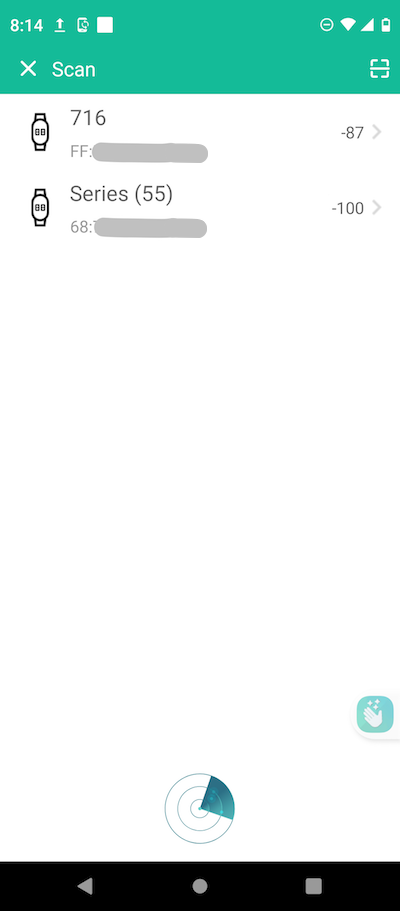
5. Tap on the the device name you want to connected to. You will see the connection progress screen.
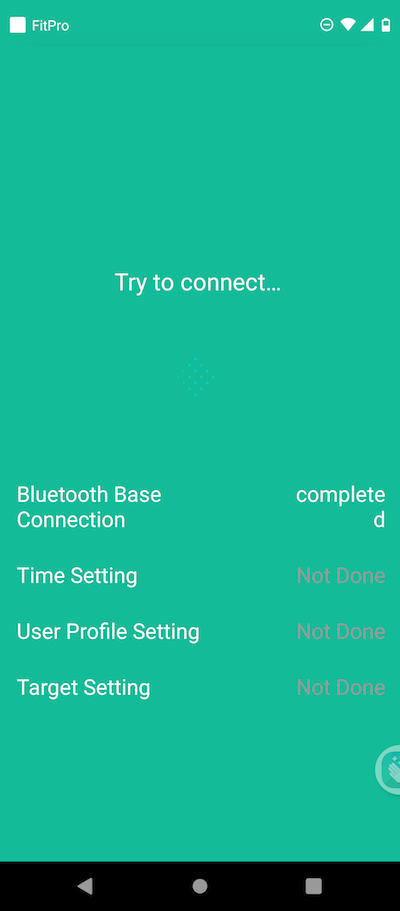
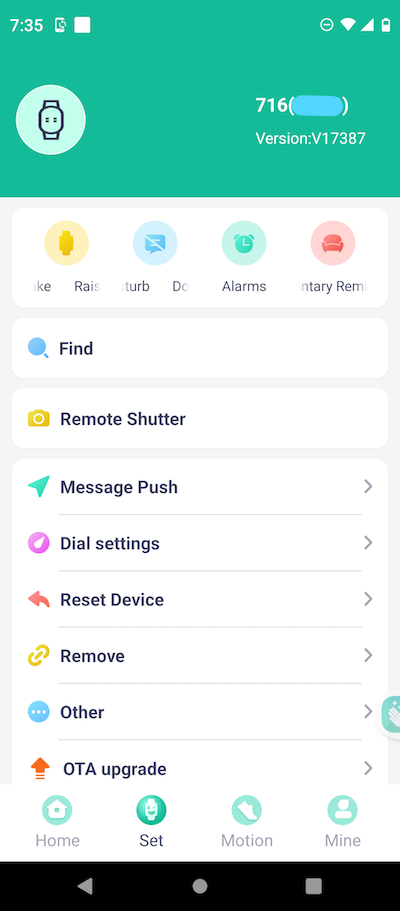
6. Wait for the connection to complete. You will see the device connection screen again with the selected device connected.
2025-06-18, ∼5303🔥, 0💬
Related Topics:

