How do I use one-handed mode / Reachability on the iPhone 6 Plus?
How do I use one-handed mode / Reachability on the iPhone 6 Plus?
✍: Guest

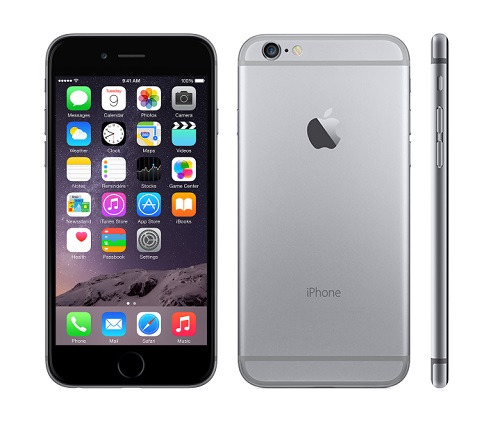
The iPhone 6 Plus display is so large at 5.5 inches, that it cannot be used with one hand. Apple has solved this problem by adding a one-handed mode named Reachability to iOS 8.
The iPhone 6 Plus will ship with Reachability installed, to insure that all functions of the device can be performed with one hand.
iPhone 6 Plus reachability
To invoke Reachability in any app, the Touch ID button is double-tapped (not pressed). Tapping the Touch ID button (home button) twice will bring the top half of the iPhone 6 Plus screen down to the middle of the display. This means controls or apps at the top of the screen can be reached without using a second hand.
Once finished with Reachability, restore the display to full screen by tapping the Touch ID sensor once.
Reachability can also be disabled in the Settings
2015-02-02, ∼3506🔥, 0💬
Related Topics: