Samsung Galaxy Nexus Phone Released in 2011
When was Samsung Galaxy Nexus phone first released? How does Samsung Galaxy Nexus phone look like? What are the main technical specifications of Samsung Galaxy Nexus?
✍: FYIcenter.com
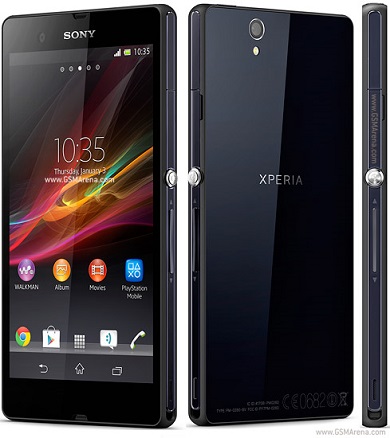
The Samsung Galaxy Nexus phone was first released in November 2011 running Android OS. The following picture shows how a Samsung Galaxy Nexus phone looks like:

The Samsung Galaxy Nexus was designed and manufactured by Samsung in partnership with Google. The Samsung Galaxy Nexus has a high-definition (1280 × 720) Super AMOLED display with curved glass, an improved camera, and Android version 4.0 Ice Cream Sandwich, which debuted on the device.
Main specifications of Samsung Galaxy Nexus phone:
Manufacturer      Samsung
First released    November 17, 2011
Dimensions        135.5 x 67.94 x 8.94 mm (5.33 x 2.675 x 0.352 in)
Weight            135 g (4.8 oz)
Operating system  Android 4.2.2 Jelly Bean
SoC               Texas Instruments OMAP 4460
CPU               1.2 GHz dual-core ARM Cortex-A9
GPU               384 MHz PowerVR SGX540[4]
Memory            1 GB
Storage           16/32 GG
Battery           1,750 mAh
Display           4.65 in (118 mm), 1280×720 px (316 ppi), 16:9
Rear camera       5 MP (2592×1936 px)
Front camera      1.3 MP, 720p video
Connectivity      GPS, DLNA USB, Bluetooth, NFC, WiFi
⇒ Samsung Focus S Phone Released in 2011
2013-07-05, ∼6699🔥, 0💬
Related Topics: