Last Notification Messages with M3 Smart Bracelet
Q
How to view last notification messages pushed from my cell phone to my M3 Smart Bracelet?
✍: FYIcenter.com
A
 If you followed the previous tutorial on FitPro
to setup pushing notifications to your M3 Smart Bracelet,
it will vibrate when a new message is received.
And the message will be displayed on the screen.
If you followed the previous tutorial on FitPro
to setup pushing notifications to your M3 Smart Bracelet,
it will vibrate when a new message is received.
And the message will be displayed on the screen.
If you want to see last messages on your M3 Smart Bracelet, you can follow these steps.
1. Tap on the function button to turn on the screen.
2. Tap on the function button repeatedly until you see the "Message" function screen.
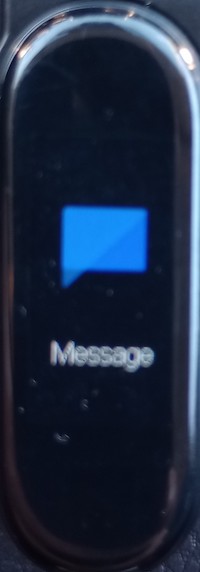
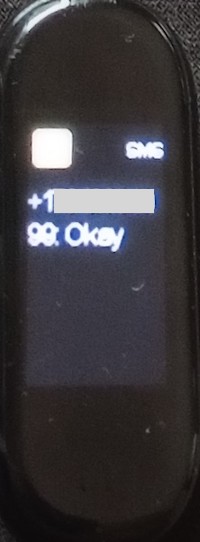
3. Touch and hold the function button to view the last 3 messages.
⇒ Remote Camera Shutter with M3 Smart Bracelet
2024-11-14, ∼2394🔥, 0💬
Related Topics:

