Sport Tracking with M3 Smart Bracelet
How to track sport activities with my M3 Smart Bracelet?
✍: FYIcenter.com
 If you want to track you sport (running, skipping, and situp)
activities with your M3 M3 Smart Bracelet,
you need to follow these steps.
If you want to track you sport (running, skipping, and situp)
activities with your M3 M3 Smart Bracelet,
you need to follow these steps.
1. Tap on the function button to turn on the screen.
2. Tap on the function button repeatedly until you see the "Sport" function screen.

3. Touch and hold the function button to view sport opotions.
4. Tap on the function button repeatedly to select running, skipping or situp.
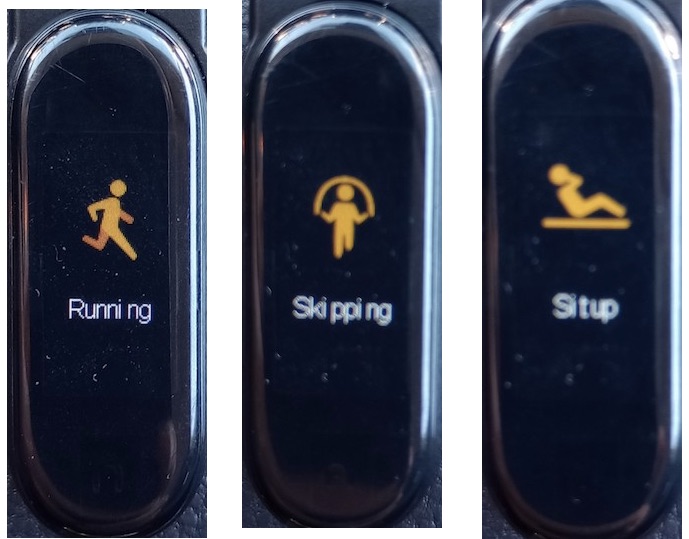
5. Touch and hold the function button to start the tracker.

6. Start your sport activity (running, skipping or situp).
7. Touch and hold the function button to end the tracker.
⇒ Last Notification Messages with M3 Smart Bracelet
2024-11-14, ∼1977🔥, 0💬
Related Topics:

