Function Options on M3 Smart Bracelet
What function options are supported on my M3 Smart Bracelet?
✍: FYIcenter.com
 M3 Smart Bracelet supports the following function options.
You can tap on the function button repeatedly to
loop through them.
M3 Smart Bracelet supports the following function options.
You can tap on the function button repeatedly to
loop through them.
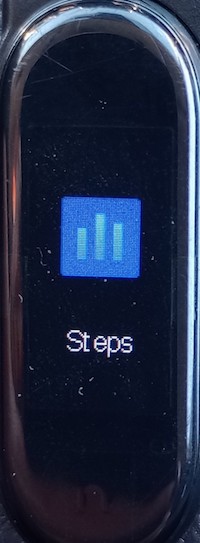
1. Steps - To display steps you have walked today.
2. Heart Rate - To measure your heart rate and blood pressure.

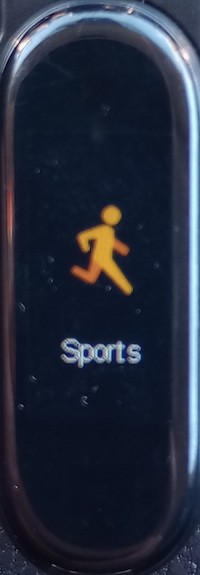
3. Sports - To start tracking sport activities: Rnning, Skipping and Situp.
4. Message - To display incoming messages.

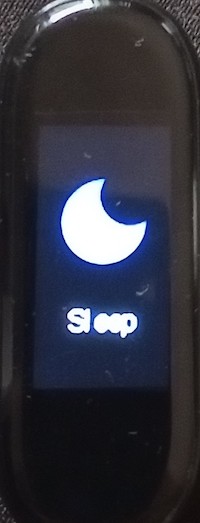
5. Sleep - To display last night sleeping hours.
6. Weather - To display low and high temporatures of today.

7. Music - To control music or any audio/video app on the connected phone.

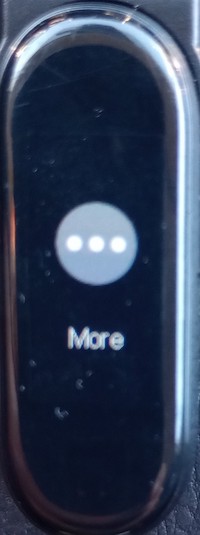
8. More - To display more options listed below:
8.1. Camera - To remotely control the camera app on the connected phone.

8.2. Looking for - To find connected phone by sending a ring tone.

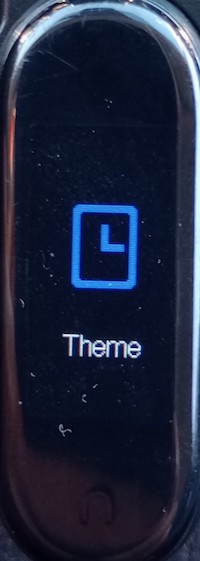
8.3. Theme - To change the display theme of the home screen.
8.4. Reset - To reset the M3 Smart Bracelet.

8.5. Download - To display the QR code for downloading the FitPro app.

8.6. System - To display system information.

2025-01-07, ∼1867🔥, 0💬
Related Topics:
