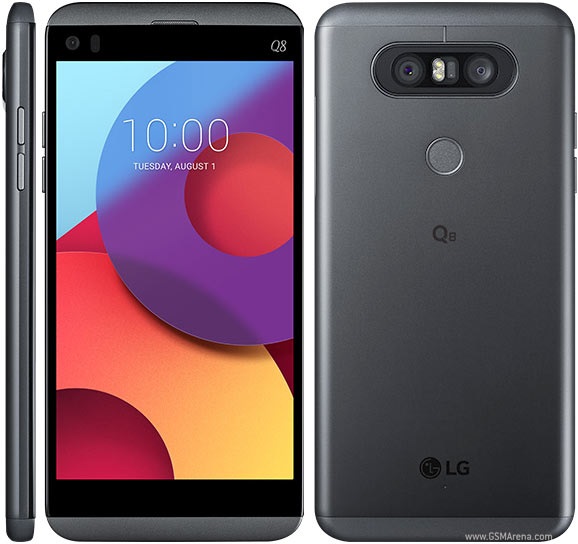
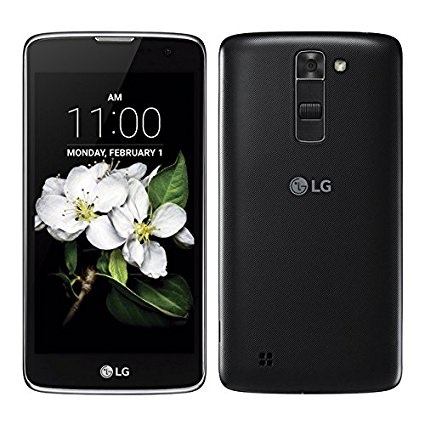
First Time Start LG Phone Camera
How to start LG phone camera? I just got a new LG phone.
✍: FYIcenter.com
You can follow this tutorial to start open camera on your new LG phone.
1. Open your LG phone.
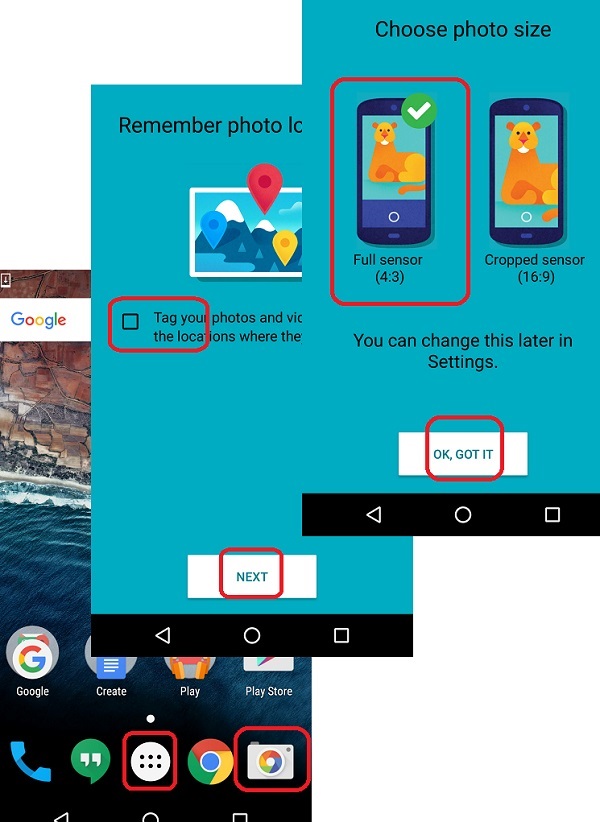
 2. Tap camera "Camera" icon on the home screen,
or inside the "Applications" icon.
2. Tap camera "Camera" icon on the home screen,
or inside the "Applications" icon.
3. Uncheck the option of "Tag your photos and videos with the locations where they're taken.", and tap "NEXT". If you are prompted when using the camera for the first time.
4. Check the "Full sensor" option, and tap "OK, GOT IT". If you are prompted when using the camera for the first time.
Now, the camera on your LG phone is ready to use.
The following picture shows you how to connect LG phone
to computer with USB cable for file transfer:
2018-02-21, ∼3488🔥, 0💬
Related Topics:

💬 2019-04-13 FYIcenter.com: @Angela, what are the symptoms? Are there any error messages?
💬 2019-04-11 Angela self: I'm being hacked by the LG phone and windows on computer help