Keep "Internet" App Updated
Q
How to keep Samsung "Internet" app up to date?
✍: FYIcenter.com
A
 "Internet" is an app developed by Samsung and pre-installed
on your Samsung phone. You don't need to do any installation
to use it.
"Internet" is an app developed by Samsung and pre-installed
on your Samsung phone. You don't need to do any installation
to use it.
But you need to check and download newer versions from app stores to keep it up to date.
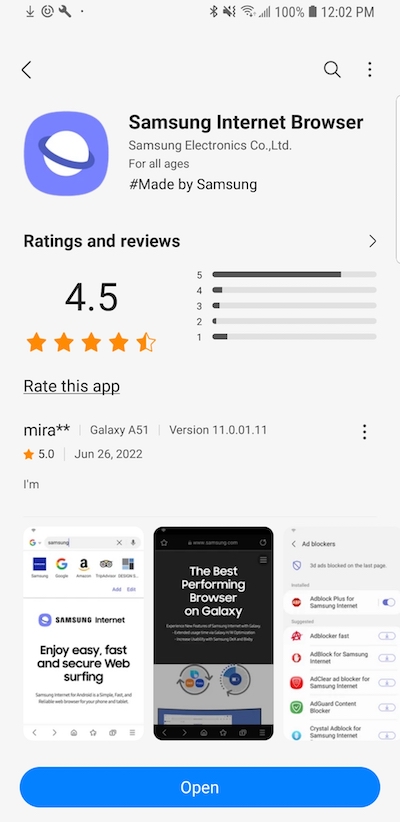
1. Go to "Galaxy Store" and search on "Internet". You will find "Samsung Internet Browser".
2. Tap on "Update", if a newer version is available. It will download and install the newer version for you.
⇒ Bookmark Websites in Samsung "Internet"
2023-03-28, ∼1743🔥, 0💬
Related Topics:


