Receive Calls with Phone App on iPhone
How to receive a phone call with Phone app on my iPhone? I gave my phone number to a friend, Mike, so he can call me.
✍: FYIcenter.com
 Here are the correct steps to receive a phone call with Phone app on your iPhone.
1. Ask Mike to call you to test out your new iPhone. You hear the phone rings. You also see your phone screen displays incoming call information. Mike's name will be displayed if you have added him in the "Contacts" app. Otherwise, Mike's phone number will displayed.
2. Tap on "Accept". And move your iPhone to your ear. You should hear Mike's voice on your iPhone. You can talk back to him now to start the phone conversation.
3. Tap the red phone icon to end the call.
This call will be listed under the "Recents" option in the Phone app.
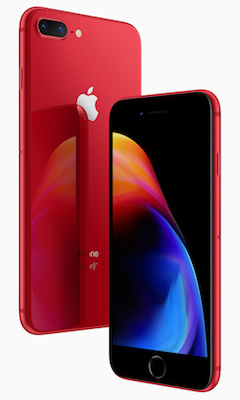
The picture below shows you how to receive a phone call with Phone app on your iPhone:

⇒ Use Loud Speaker with Phone App on iPhone
2020-05-21, ∼3016🔥, 0💬
Related Topics: